

Billing accounts list
All accounts start with a free sandbox billing account. This gives access to sandbox functionality and allows you to keep track of the pops usage of your sandbox workspaces.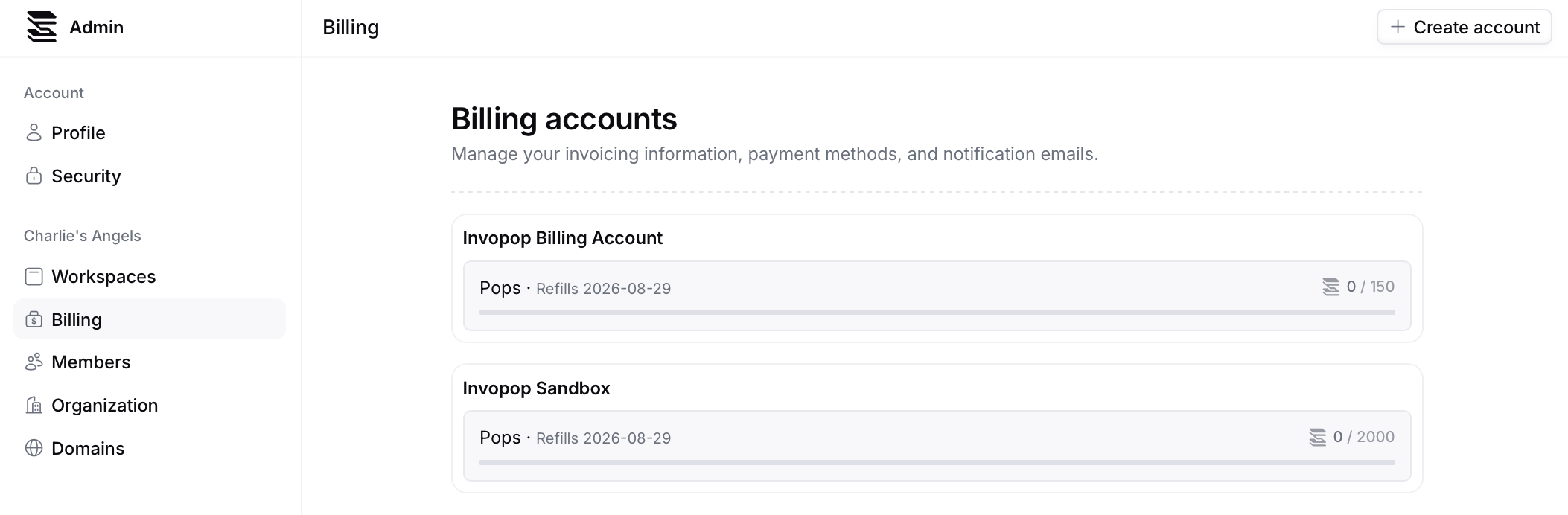
Create a billing account
To create a billing account, click on the Create billing account button in the top right corner of the billing page. You will be prompted to name the account. We recommend naming the account after your company or organization + “billing” or “account”.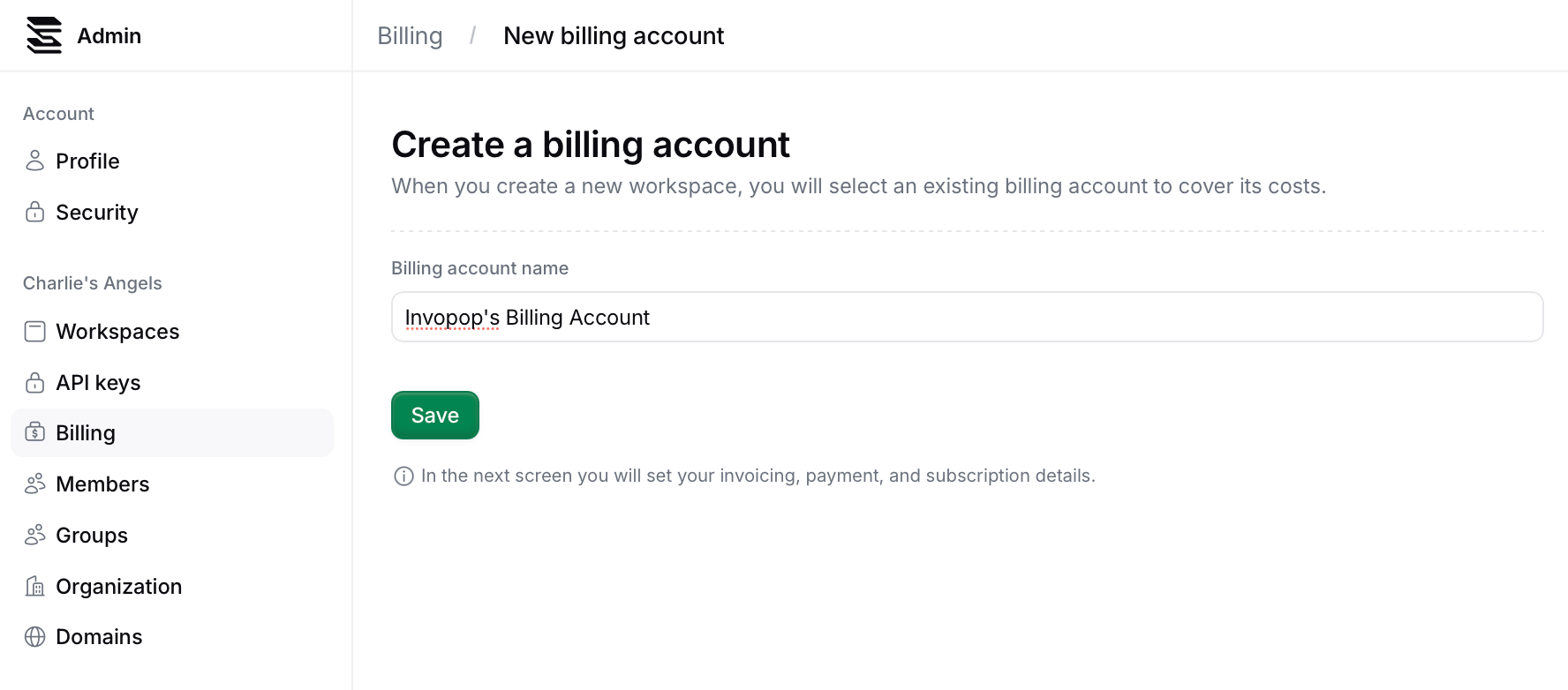
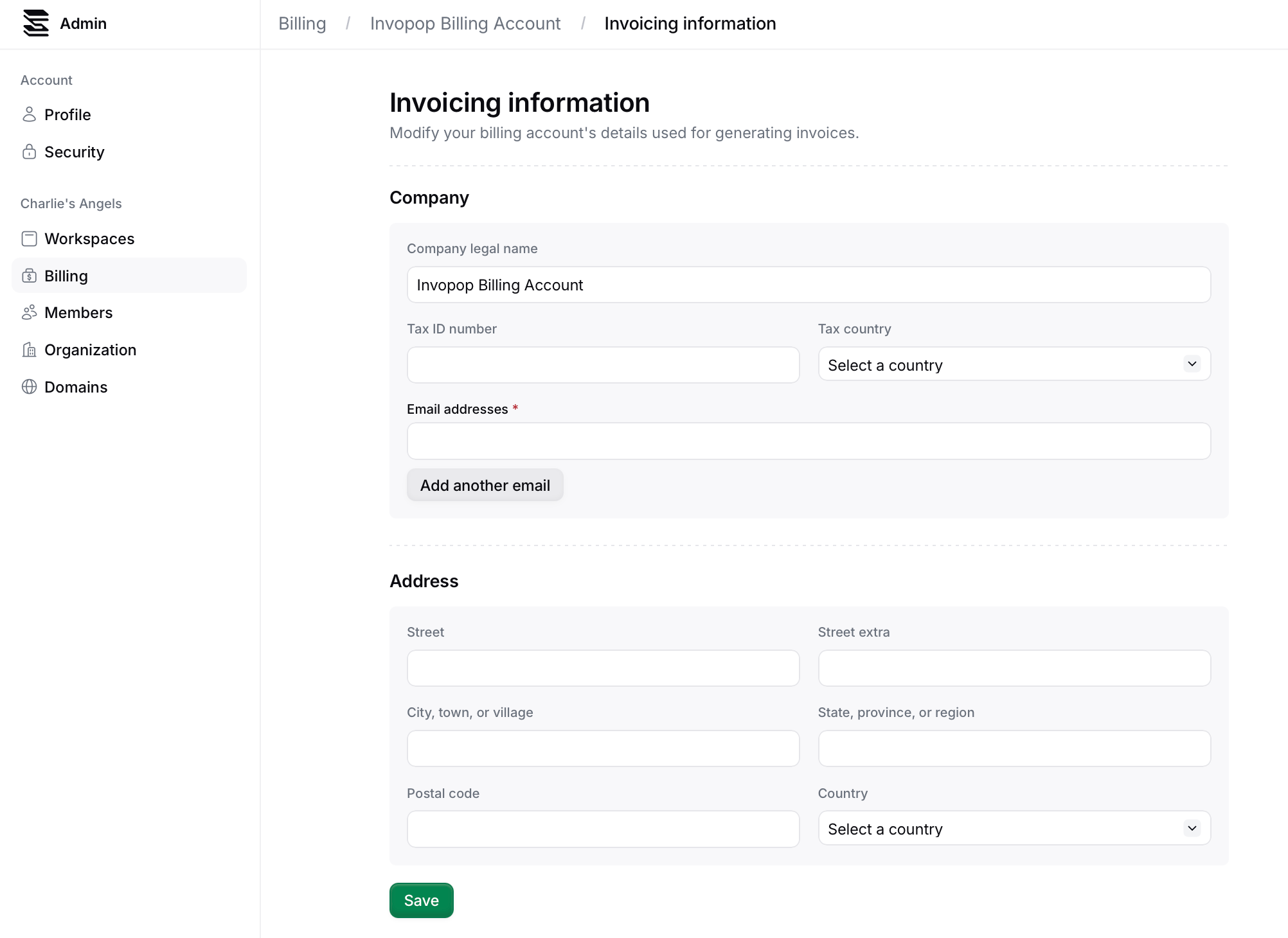
Add your invoicing information
Go to the Billing details section, and select Add invoicing information.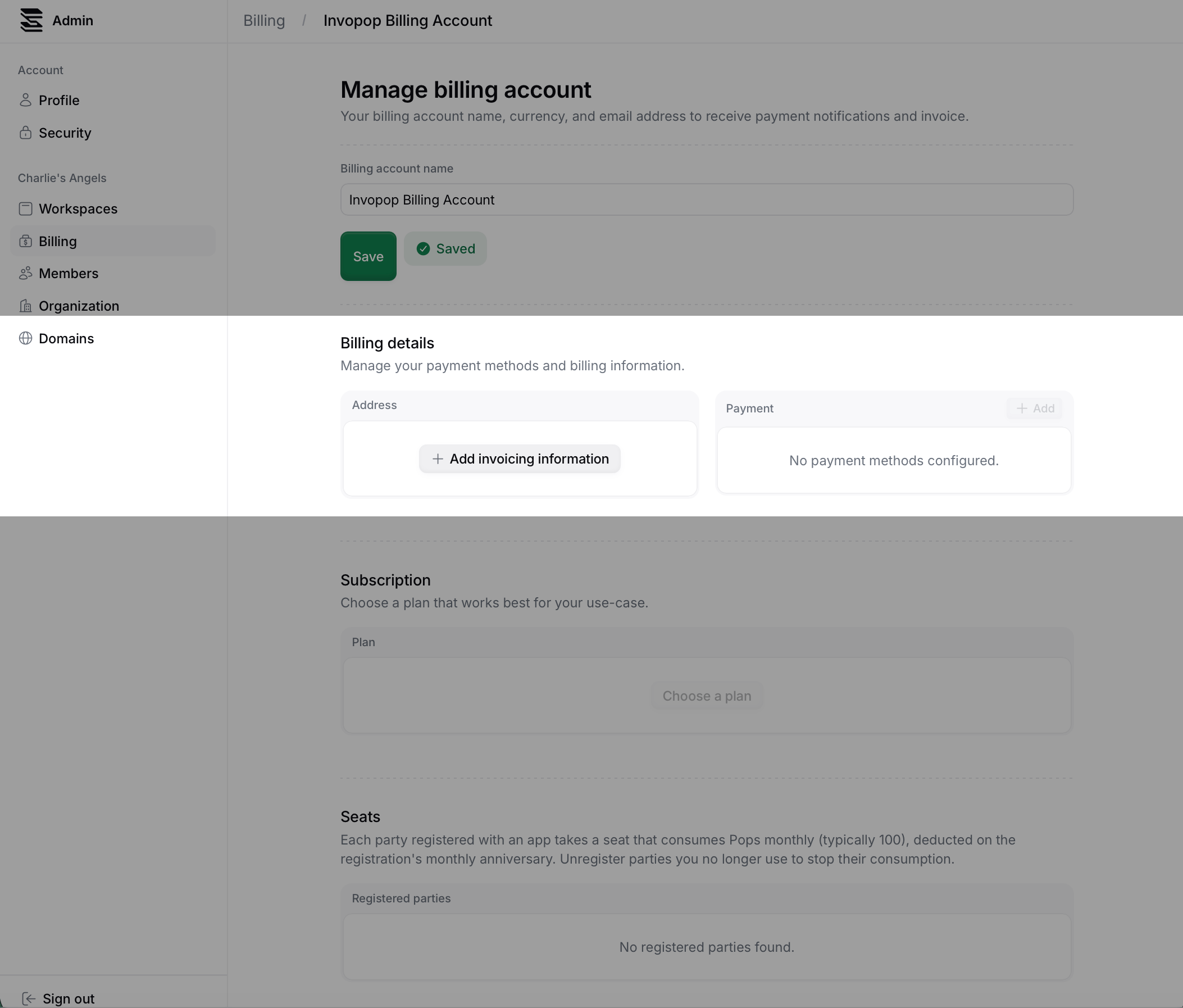
Add a payment method
Click on the Add payment method button to add a payment method to your billing account. You will be redirected to a Stripe page to add your payment method.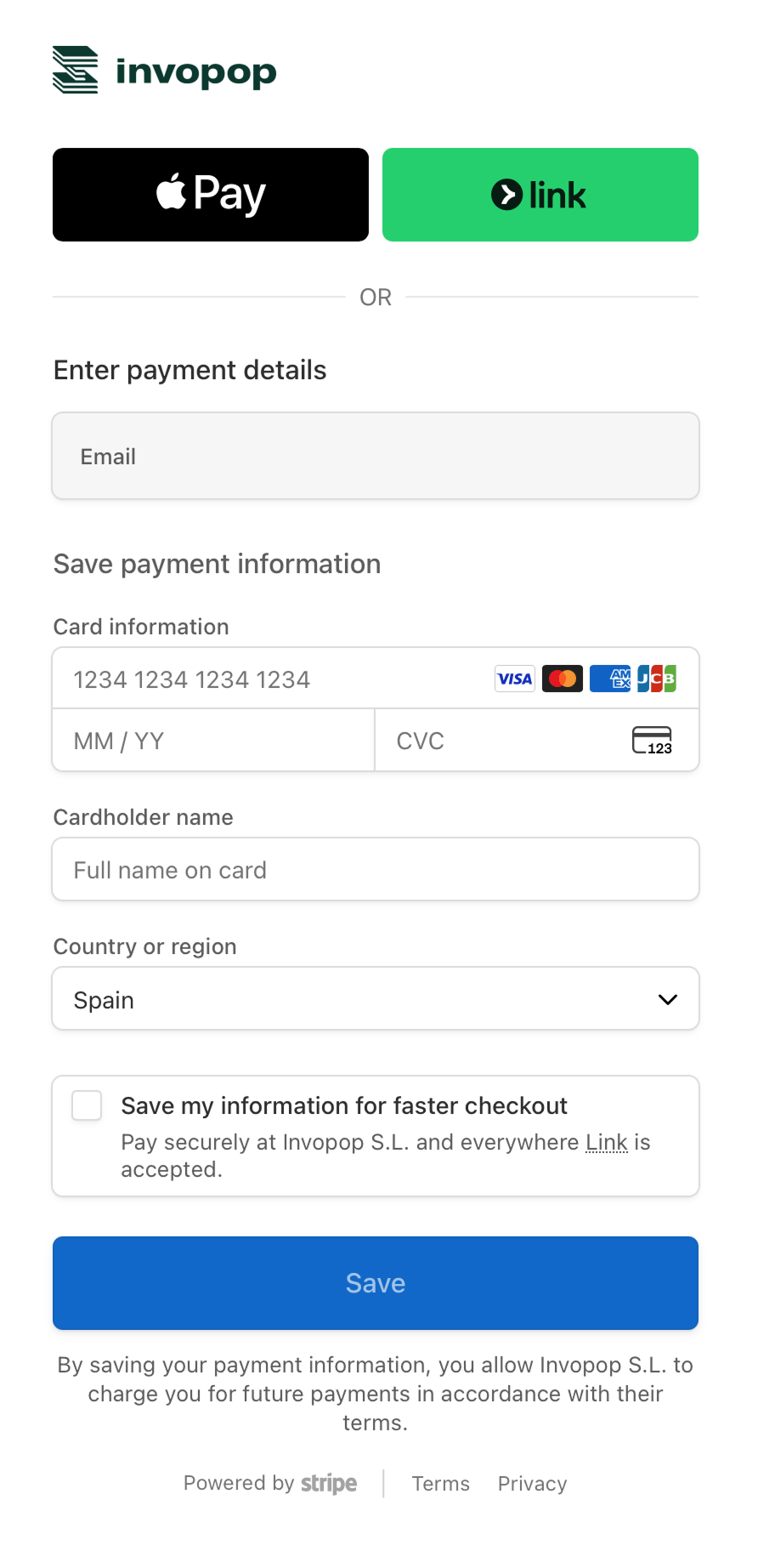
Select a subscription plan
In the Subscription section, click on the Choose a plan button to select a subscription plan for your billing account.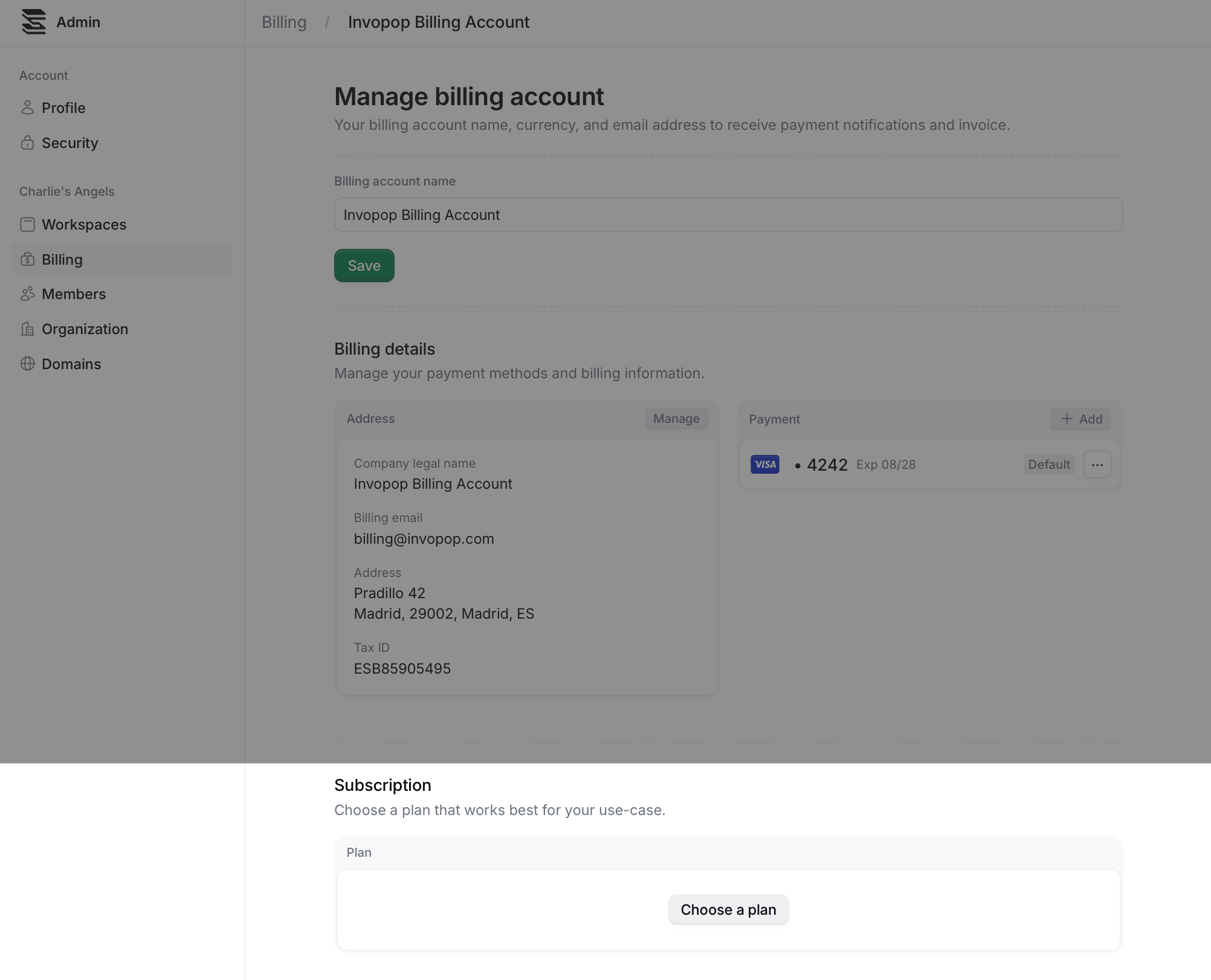
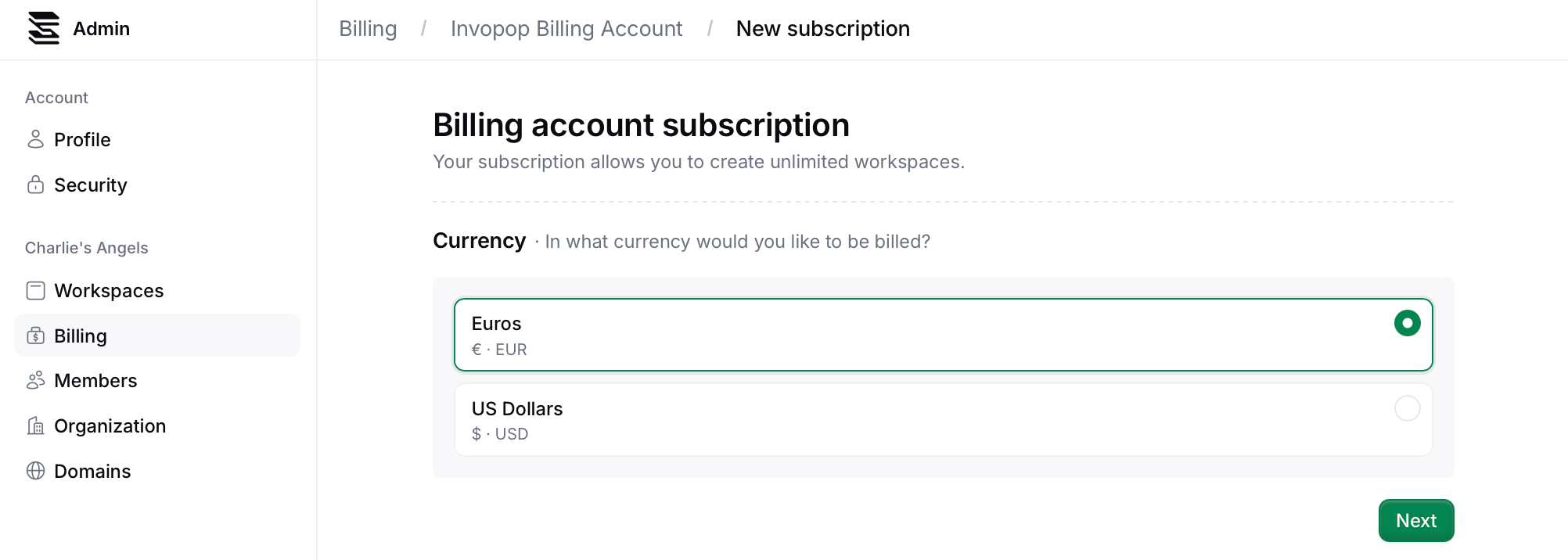
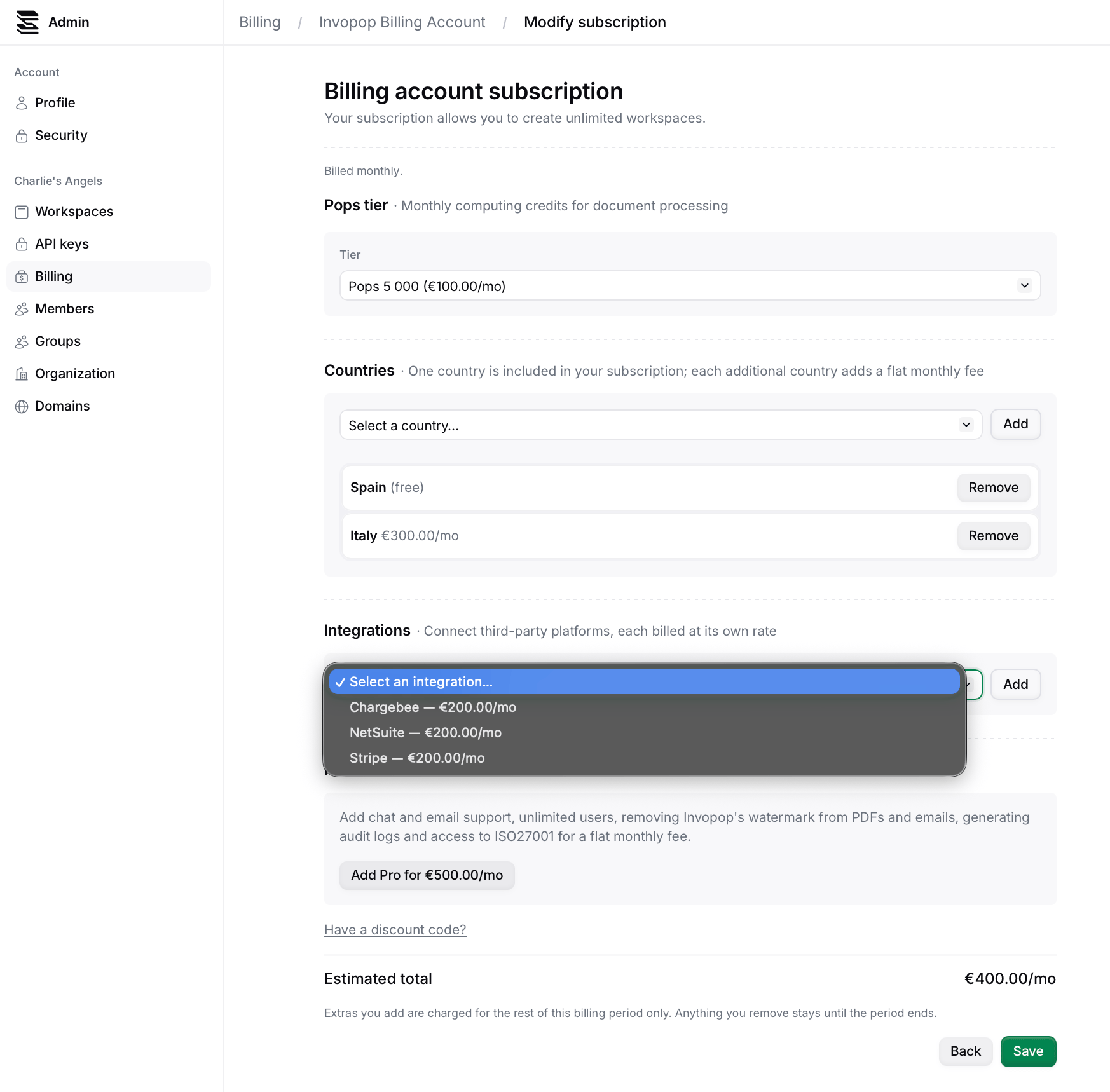
- A pop tier, based on predicted usage (actions + seats)
- Countries - where you will use Invopop; your fist country is included at no extra cost
- Integrations - self-service paid connector apps such as Chargebee or Stripe
- Pro features - including chat and email support, unlimited users, removing Invopop’s watermark from PDFs and emails, generating audit logs and access to ISO27001.
FAQ
Can I pay by direct deposit?
Can I pay by direct deposit?
This option is only available for Enterprise plans.